Titles, descriptions and keywords for your stock files
in words the agencies actually accept
AI reads your photos and clips on your own computer, then picks keywords from the Getty/iStock vocabulary of 37,000+ terms and writes them into your files — no API key of your own, no card to link. Works with iStock, Shutterstock, Adobe Stock and 8 more agencies.
Start free — 200 image credits Download the app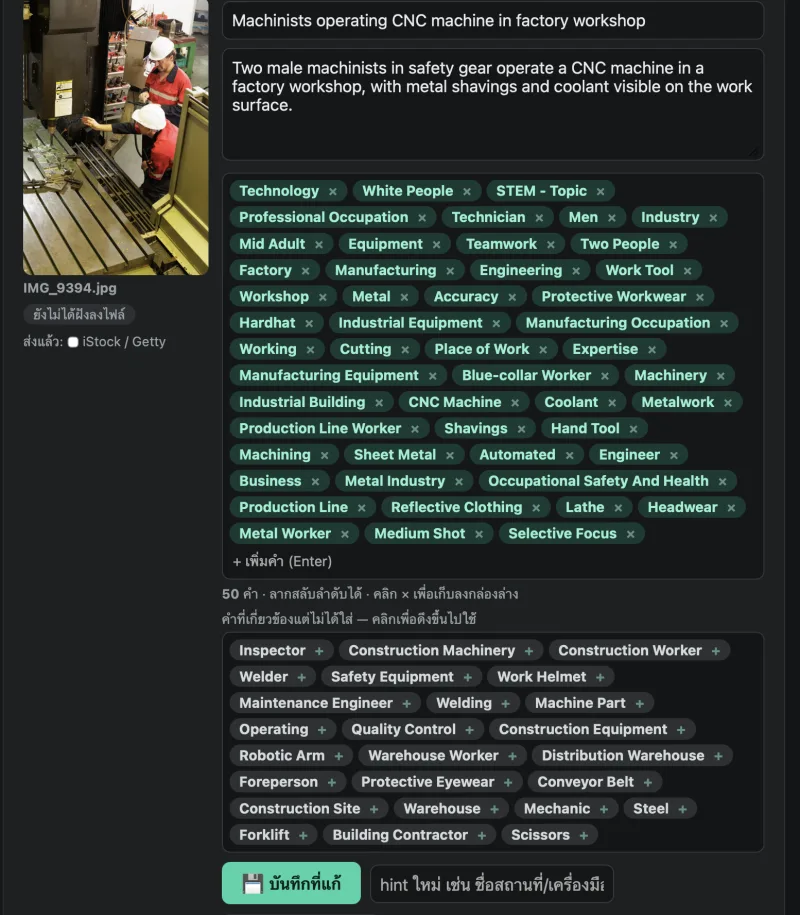
What a general AI writes — and what iStock actually accepts
A real example from the image above, untouched: on the left, the words the AI wrote after reading the photo; on the right, the Getty terms that go straight into iStock. Words with no Getty equivalent are set aside for review instead of being written into the file and rejected.
What the AI wrote
Getty terms sent to iStock
What it looks like in use
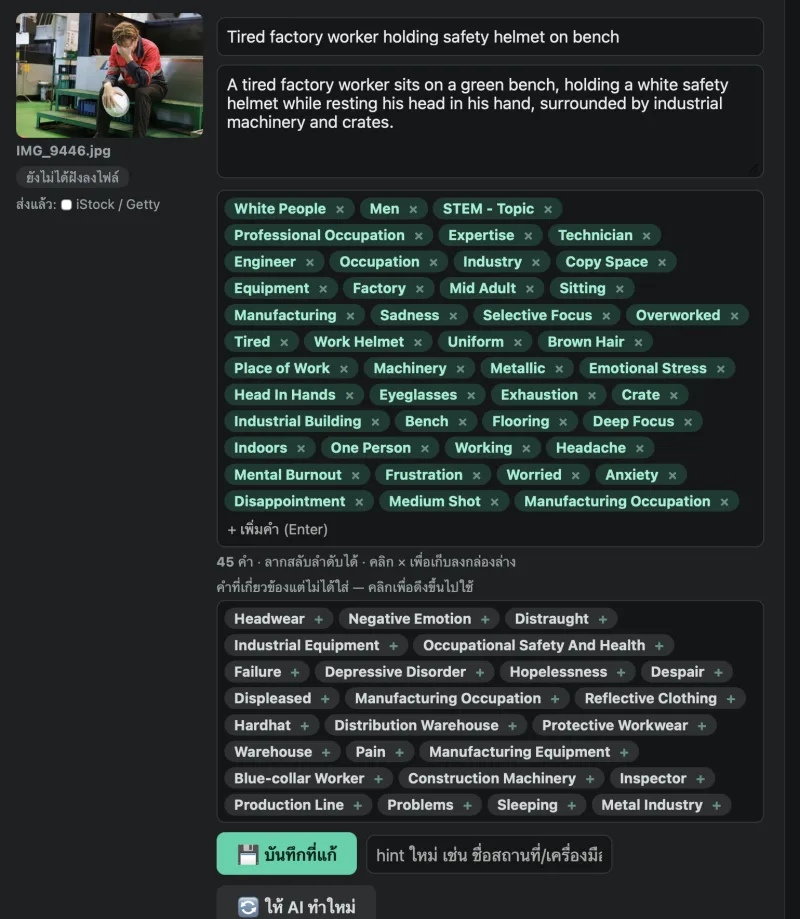
Built by a working Getty/iStock contributor
Every photo on this page is from the maker's own shoots and was keyworded with KeywordStock before going to iStock. The tool grew out of a problem met every week, not from looking at the market from outside.






🔒 Your files stay on your machine
The AI reads your images on your own machine. Only the words travel to us, never the pictures — nothing is uploaded to anyone's cloud, so your originals and client work are not stored anywhere or used to train anything.✅ Real Getty terms, no rejected keywords
A general-purpose AI invents keywords, and anything absent from Getty's vocabulary is rejected or silently dropped. Every keyword we produce comes from the Getty/iStock Controlled Vocabulary — drop the file into ESP and the fields fill themselves, every term accepted.🎬 Photos, footage and AI-generated images
JPEG, PNG, TIFF, vector files and MOV/MP4 clips · AI-generated images are keyworded just like photos — title, description and keywords in one pass.📮 11 agencies, one run
Tick where you submit. Each agency gets metadata shaped to its own rules, embedded in the file or exported as CSV.✍️ Learns how you write
Correct 3–5 files and the rest of the batch follows your lead. Your writing style is remembered for next time.💳 No API key, pay per file
No developer account to open and no card to hand to an AI provider — so there is no key that can leak and be spent on your bill. Credits are charged per file, there is no monthly fee, and signing up gives you 200 files to try.Three steps
- Sign up on this website — choose your own password, confirm your email, and get 200 trial image credits right away
- Download and install the app — Windows or Mac
- Open the app and sign in with the same email and password you signed up with — then pick your files → read them → review and edit → embed into the files or take the CSV to upload
One account works on the website and in the app — the website shows your credits and history; the actual work happens in the app.
Contact and news
KeywordStock on Facebook [email protected]
New releases and keywording tips are posted on the page.